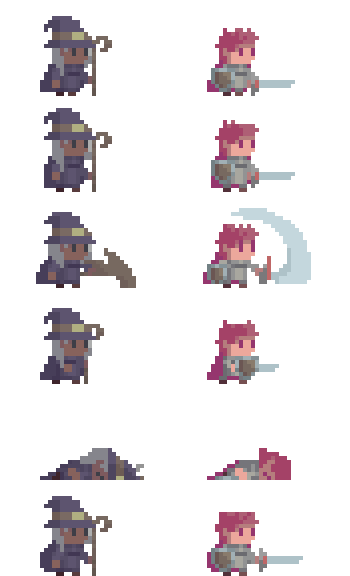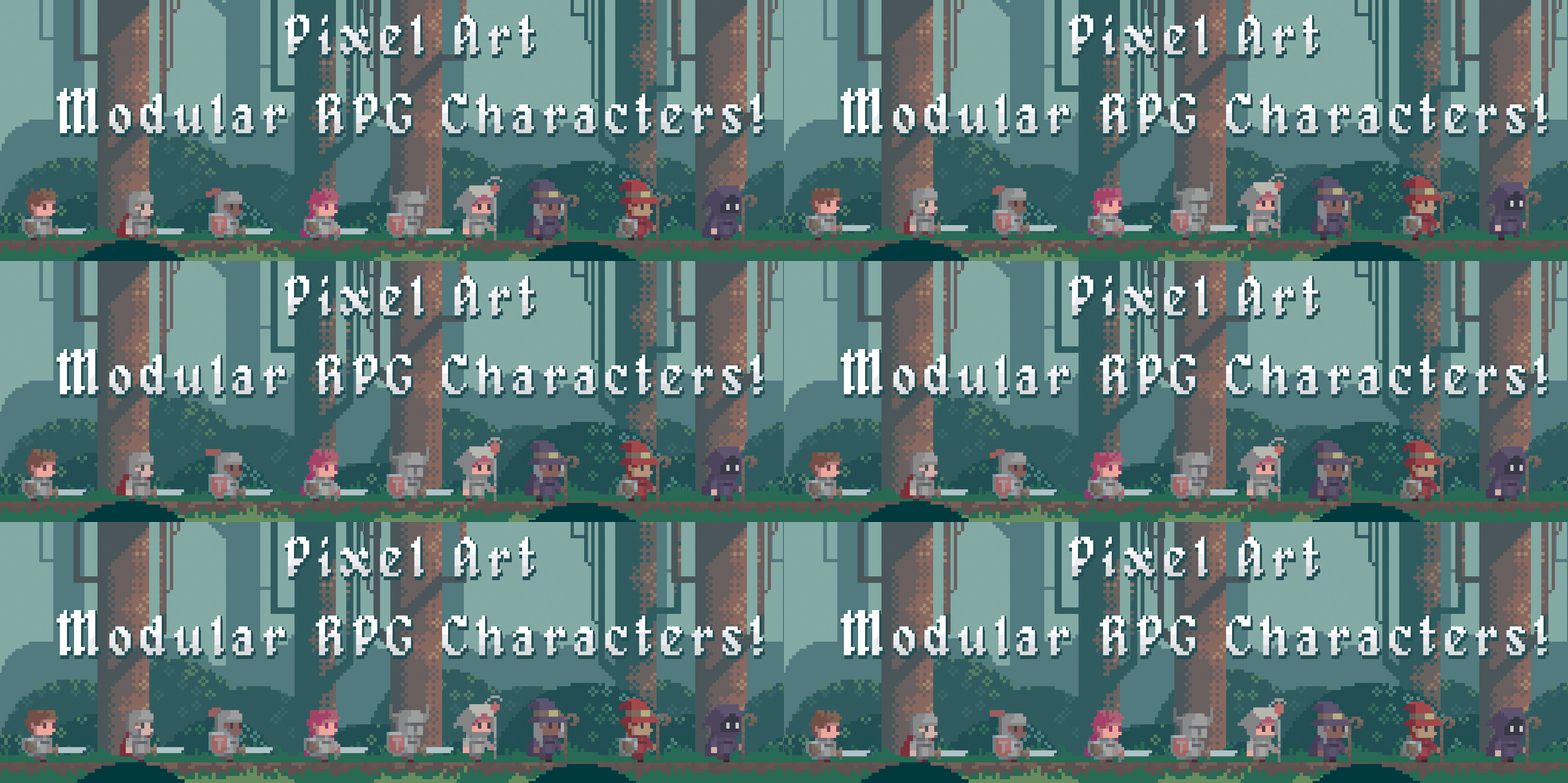
Pixel Art Modular RPG Characters
A downloadable asset pack for Windows
A complete modular pixel-art character package with animated heroes, equipment, accessories, and an editable Aseprite workflow.
Create unique characters in minutes and instantly use them in your RPG, adventure, or fantasy game.
๐ Features
- Fully modular fantasy character
- Easy customization through Aseprite tilemaps
- Multiple equipment and accessory combinations
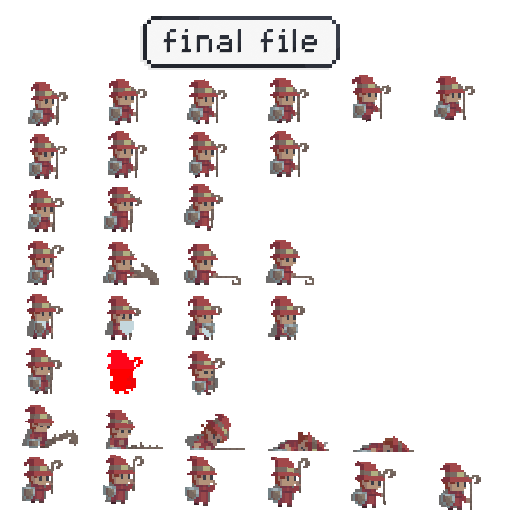
- Ready-to-use spritesheets
- Includes tutorials and export tools
๐ฎ Included Animations
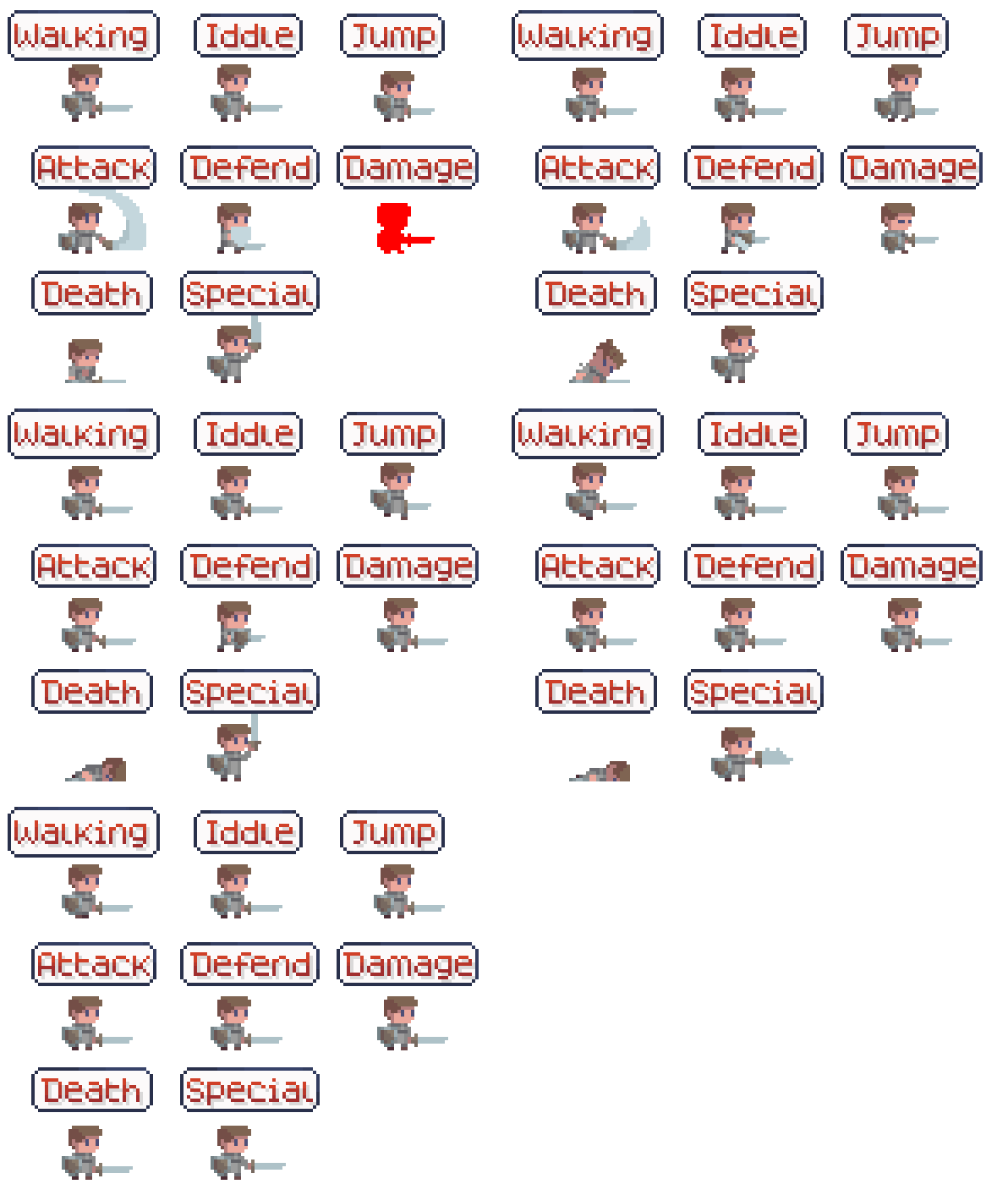
- Walk
- Idle
- Jump
- Attack
- Defend
- Damage
- Death
- Special
๐จ Character Customization
- 5 skin colors
- 5 eye colors
- 5 clothing colors
- 5 hairstyles with 9 color variations
โ๏ธ Classes
- Warrior
- Mage
- Archer
- Rogue
- Sorcerer
- Lancer
- Barbarian
๐ง Accessories
- 5 Hood colors (open and closed versions)
- Helmets (open, closed, horned, and plumed variants)
- 4 Witch Hat colors
- 6 Cape colors
- 8 Shields
๐ Bonus Files
- Batch files to export multiple layers at once
- Video tutorials
- Image tutorials
- Previous package versions
๐ Aseprite Workflow
Thanks to Aseprite's tilemap system, changing equipment automatically updates all character animations, making customization fast and simple.
๐งฐ Character Creation Tool
Included with the package is a simple character creation tool designed to make customization faster and easier.
- You can acess the free version here
- Export complete character
- Export layers apart
- You can acess an browser version in any case the exe file doesn't work
๐ฆ Technical Details
- PNG and ASE formats included
- Final spritesheet size: 360ร288
- Frame size: 36ร36
๐ License
Click here to view the full license
Assets are distributed under CC BY 4.0 with additional permissions.
- Redistribution of the source files is not allowed, even if modified.
- Use in NFTs, blockchain projects, cryptocurrency products, or P2E games is not permitted.
- Credit is appreciated but not required.
Full license: Read here
๐ฌ Questions?
Feel free to send me a message or leave a comment if you need help or more information.
โค๏ธ You may also like
| Updated | 1 day ago |
| Status | Released |
| Category | Assets |
| Rating | Rated 4.0 out of 5 stars (4 total ratings) |
| Author | edermunizz |
| Tags | 2D, Asset Pack, Backgrounds, Character Customization, Classes, Fantasy, Forest, Medieval, Pixel Art, Sprites |
| Asset license | Creative Commons Attribution v4.0 International |
| Content | No generative AI was used |
Purchase
In order to download this asset pack you must purchase it at or above the minimum price of $20 USD. You will get access to the following files:
Download demo
Development log
- v3.11 day ago
- 3.0 - New classes and tool release26 days ago
- Ver 2.0Nov 03, 2025


Comments
Log in with itch.io to leave a comment.
I just bought this, but its a bit odd.
There are things missing from the pack 3.0 that are in the tool.
For example, rogue only has 2 weapons in teh pack 3.0
There are other oddities not explained anywhere, such as the weapon rendering layer swapping depending on weapon type, animation and frame
Are you able to elaborate on any of this? I am trying to get a working paperdoll system in my game using all available assets. You editor is clearly doing some additional logic, but this is not in the tutorials.
Overall I love the artwork, but its a nightmare to actually use =/
Edit: After several hours of attempting to recreate this, I can see that you are definitely using two copies of the weapons in your editor, it seems you are using a mask to selectively display certain parts in different layer orders. This is a bit of a cheat and makes it a bit of a pain to work with. It is meant to be modular, but you haven't designed the sprites in a way that makes them usable dynamically.
Side note: The archer skin tones also dont flash red for the damage animation
Hi friend, thank you so much for you feedback! sometimes when I design an asset I do not know when something it's clear and acessible or not, it's great when people send me they feedback so I can get the tool better.
The tool actually uses the same png but it's duplicate and masks some aspects, the main goal was to demonstrate that with the png you can create an character or a system, but it does need some work on the engine to make work, and now I realize that this actually is not explained on the guide and and it's not handy, so I'm planning to extend the spritesheed to add the layer behind and upfront so It can be more usefull, do you think this way it's better?
Also I want to ask if you have aseprite? because the ase files does have all the layers that I use and you can export them in separate or you can see how it's the layers order.
If you need me to send you any aditional files to help you with your system before I update the asset whould be my pleasure
Also, the file of the rogue really only have two weapons, sorry for that I will update, the same for the sprite of the archer.
Hey thanks for replying. If possible an export that gives both layers would be good. I will try and get what I need from Aesprite in that case, but as I said, the Aesprite download version is missing assets that are in the tool version.
The most helpful thing you could do is to upload the Aesprite version but with all assets included.
The rogue has 6 weapons if you download the tool, 4 of them are just missing in the 3.0 pack =D. Worth updating the downloads if you get a chance.
https://ibb.co/S4rk9vKn
Ok i finally get it, in aesprite you are using 6+ layers for each weapon - these are compressed to one in the export which does not capture the true end result. Also the rogue weapons are in there. The problem is the way you are flattening the image. I think the export should export two or more parts of the weapon layer, based on z index
'Weapon to draw behind'
and
'Weapon to draw infront'
I will see if i can get this working myself, thanks
https://ibb.co/1fzmTFsR
Thank you so much for your patience, yes I will update as soon as possible, any thing that you think it can help the tool to be more useful is appreciate, thank you!
What is the difference between the pack and the DEMO? From what I see it's only 3mb difference
Heey, the full pack has all the weapons, colors, hats, all the items and animations. The demo just have one of each.